Real coaching requires personalization to individuals and teams, and reinforcement over time to enable behavior change.
Microsoft Teams Integration
Using Cloverleaf in Microsoft Teams
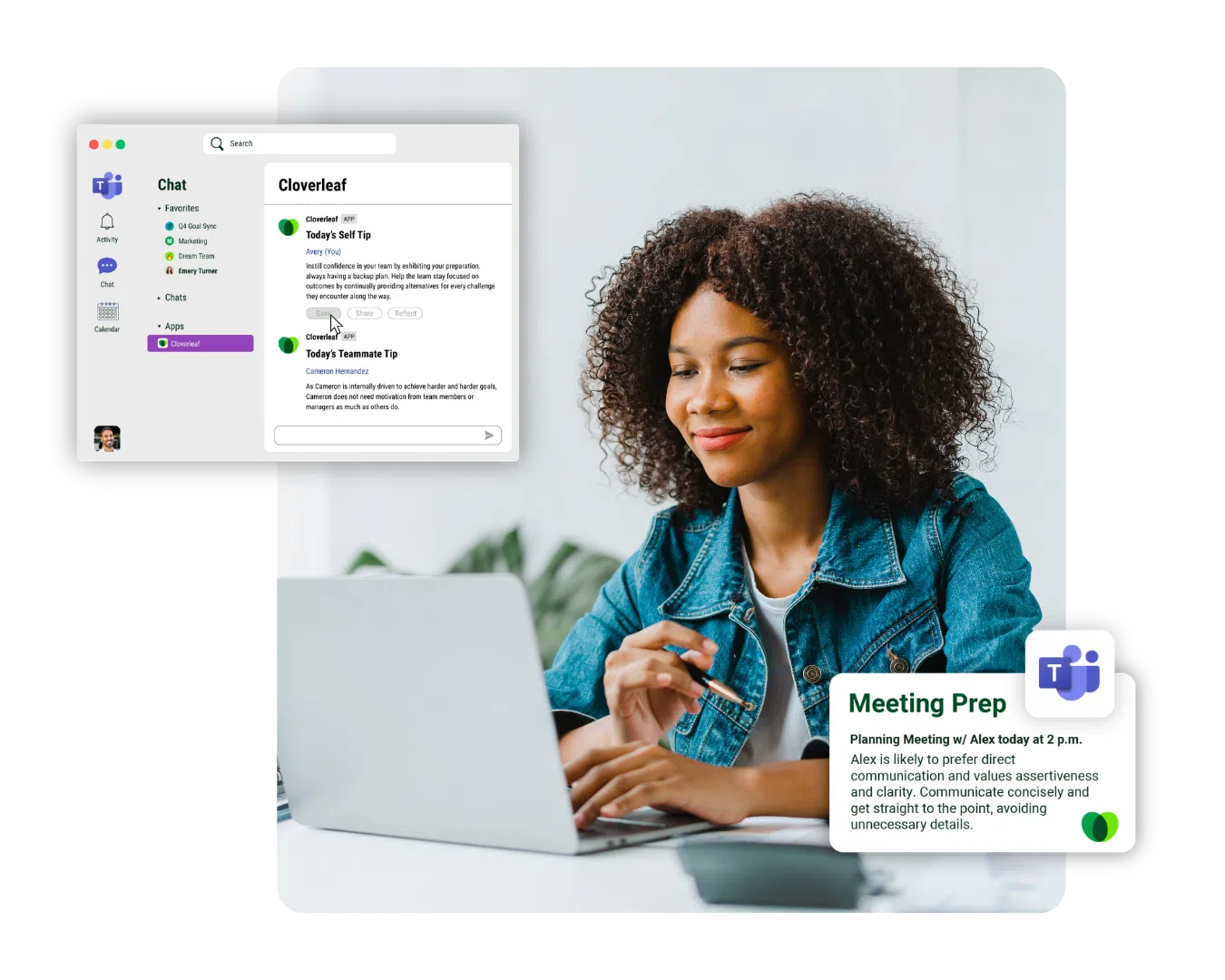
Cloverleaf delivers AI coaching directly in Microsoft Teams. Coaching appears automatically as chat messages, channel posts, and calendar reminders.
Proactive, personalized coaching directly in Microsoft Teams
Daily Coaching delivered in Microsoft Teams
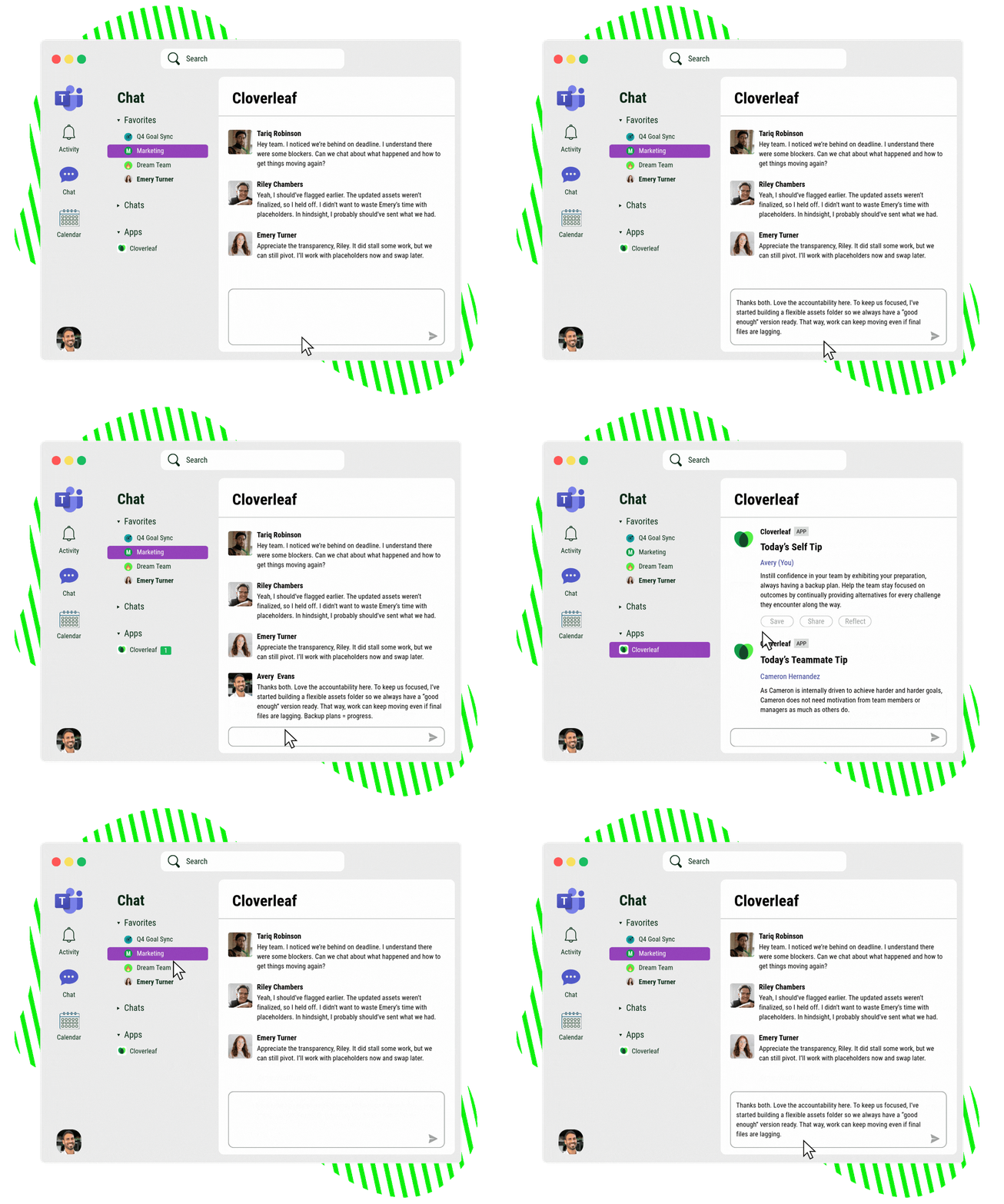
Managers and teams receive personalized coaching on themselves and their coworkers directly in Microsoft Teams. Coaching appears where people already coordinate work and check messages. Individuals can rate, save, share, and reflect on coaching directly in Teams.
On-demand coaching insights through Microsoft Copilot
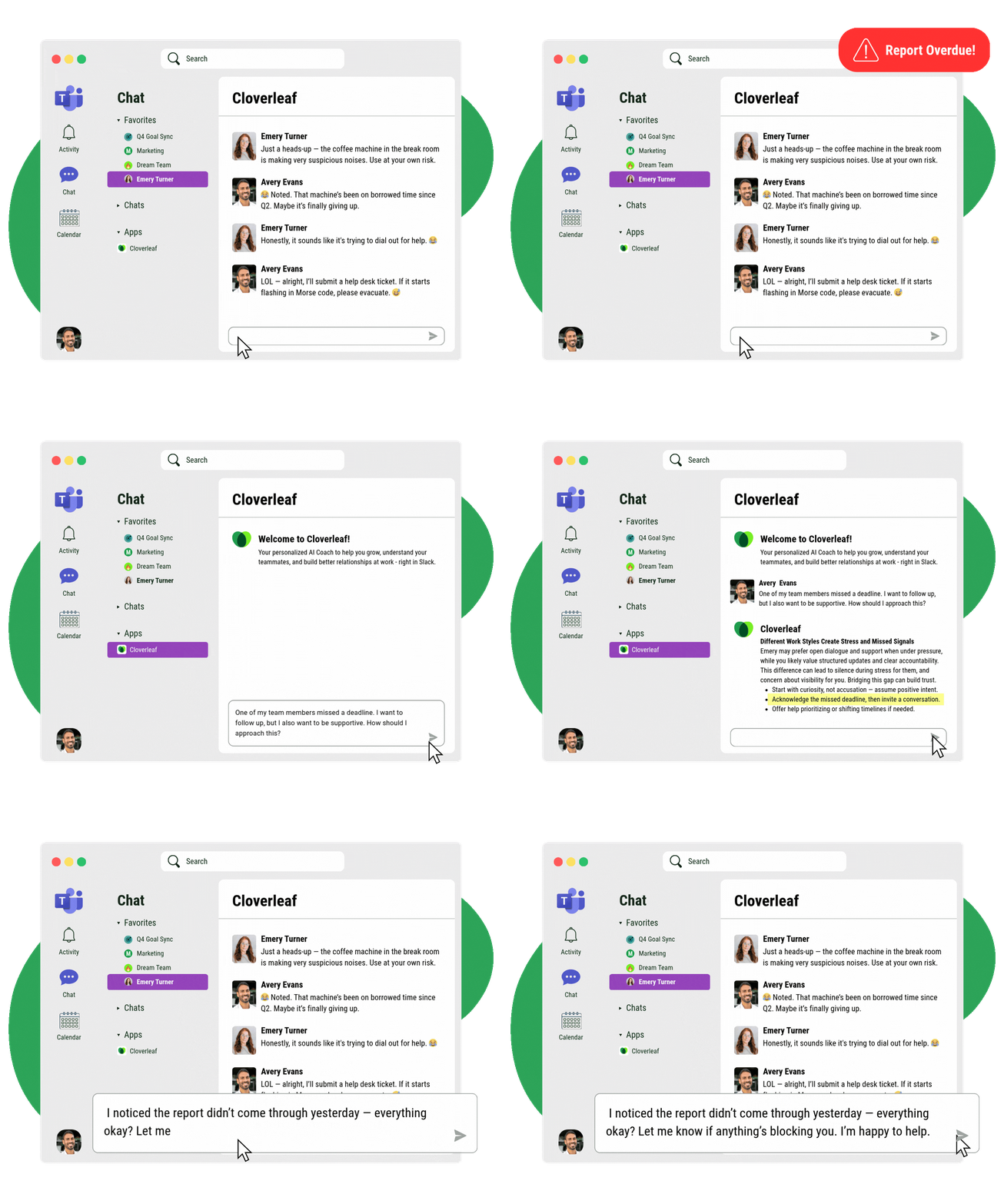
Managers can access Cloverleaf coaching insights directly within Microsoft Copilot by typing @Cloverleaf followed by a question. This allows them to quickly retrieve communication styles, strengths, and feedback guidance for teammates without leaving their workflow.
What to evaluate in any Microsoft Teams integration
Is coaching personalized to the individual and the moment?
Cloverleaf’s AI coaching reflects how each person communicates and who they work with, informed by behavioral assessments and your organizational frameworks. Coaching reflects actual people and your priorities, not one-size-fits-all advice.
Does coaching reinforce positive behavior change?
Cloverleaf understands which capabilities need reinforcement and delivers coaching in the flow of work to consistently support development and growth.

How Cloverleaf's Microsoft Teams integration works
Support your managers and teams wherever they're already working. From everyday conversations to critical development moments.
Coaching is personalized to the individual and the moment
Configure which assessments and leadership frameworks inform coaching in Cloverleaf. Managers adjust their delivery preferences by sending “Settings” to the bot in Teams.
Deliver coaching in Microsoft Teams
Cloverleaf delivers daily coaching as chat messages in Teams. Managers query insights through Copilot by typing @Cloverleaf before meetings or difficult conversations.
Elevate the employee experience
Empower employees to own their development with coaching delivered in Teams. Daily tips reinforce expectations. Copilot surfaces insights before critical moments. Reflections sync automatically.
Enterprise-ready integration with Microsoft Teams
How the integration works
Users install the Cloverleaf app from the Microsoft Teams app store and sign in using their Cloverleaf credentials. Microsoft Teams admins can install the app organization-wide, pin it for easy access, or create custom permission policies for specific groups.
What data Cloverleaf accesses
Cloverleaf accesses profile information (user name, email, company name, preferred language) to personalize coaching. The app sends messages and notifications and receives messages users send to it.
Security and compliance
Cloverleaf is SOC 2 Type II certified across all five Trust Service Criteria, ISO 27001:2022 certified, and GDPR aligned. Users authorize the connection between their Microsoft Teams and Cloverleaf accounts individually.
Cloverleaf in Microsoft Teams ensures coaching happens where people already work
Report better team performance
0
%
Daily coaching in Teams reinforces expectations where work happens
Higher engagement than typical learning tools
0
x
Managers use coaching delivered in Teams without app-switching
Gain actionable learning moments
0
%
Copilot queries and daily tips extend development beyond programs