
Cloverleaf and HRIS integration
HRIS updates and insights from market-leading assessments automatically inform coaching for your entire organization.
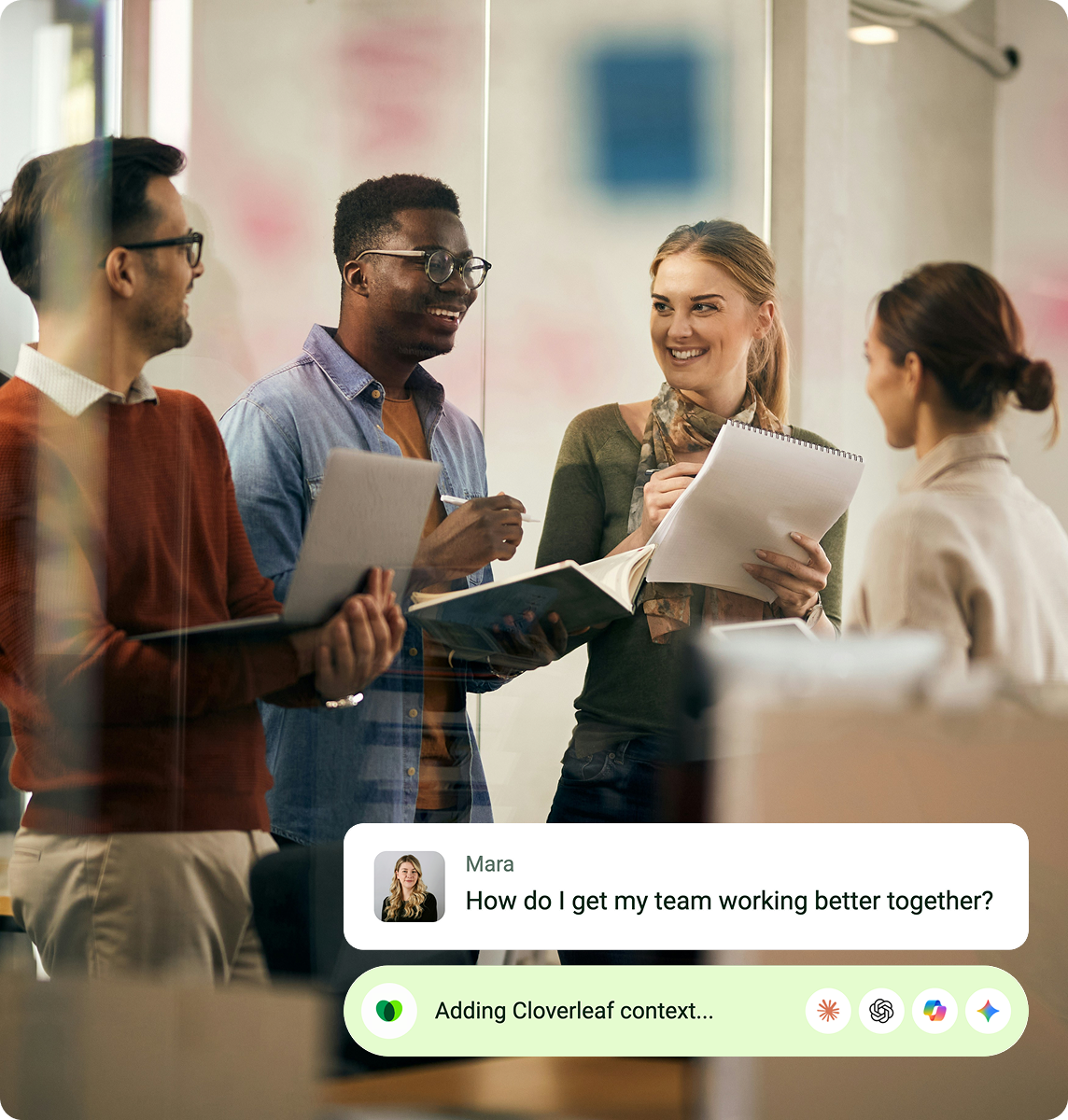
Built on 13 market-leading assessments. Delivered in the flow of work. Proven across 45,000 teams.








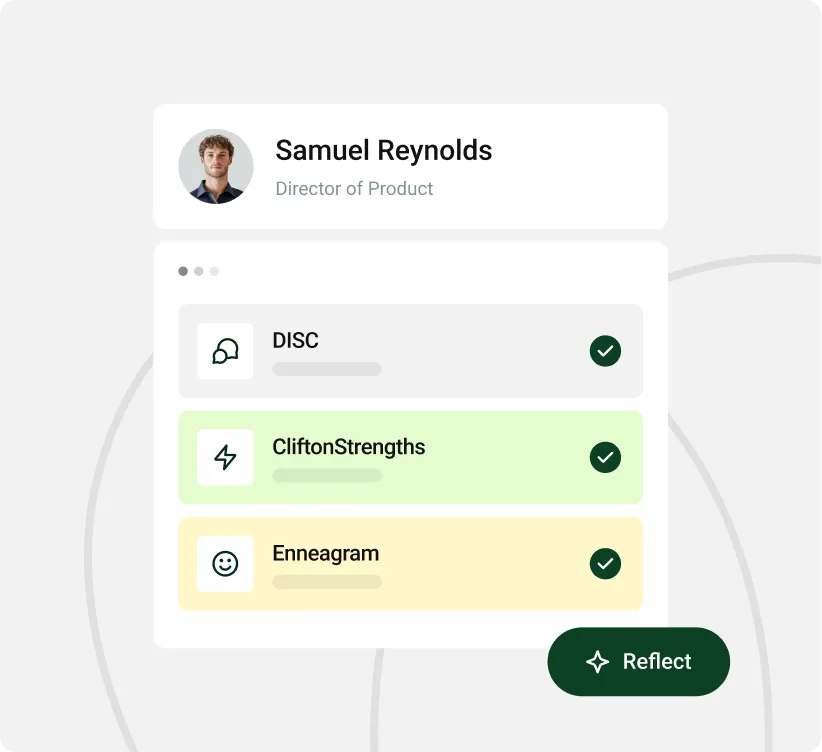
Make coaching specific to your reporting relationships
Cloverleaf uses reporting lines, job titles and departments to understand each person’s role in the organization. Managers get coaching on working with their own direct reports, while employees get guidance on communicating and working with their manager.
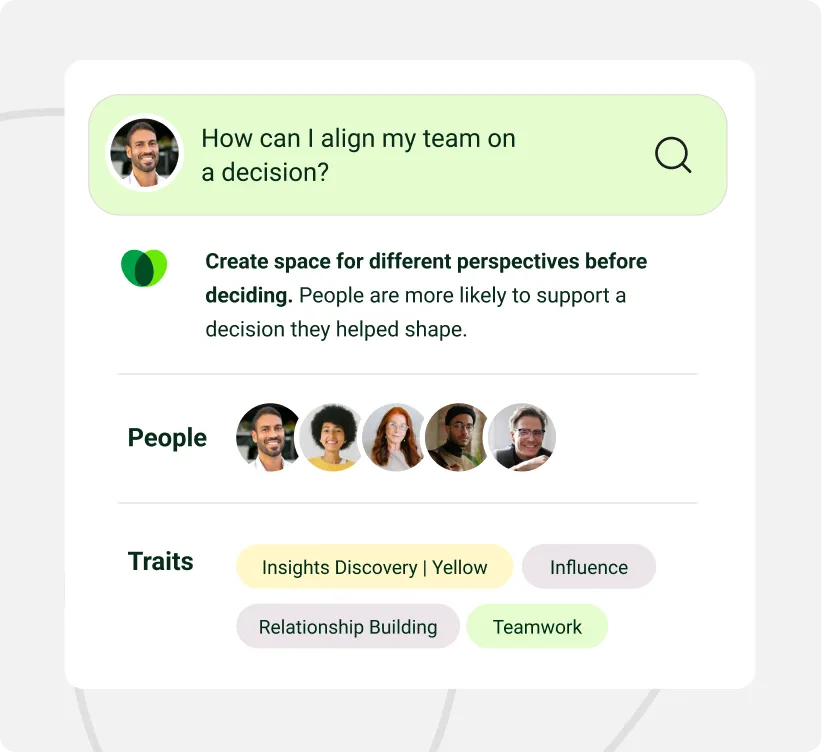
Support people through role and team changes
A promotion, manager change or team move brings new expectations and relationships. Cloverleaf uses those HRIS updates to guide coaching for the people affected, whether they’re learning to delegate to former peers or preparing to work with a new manager.
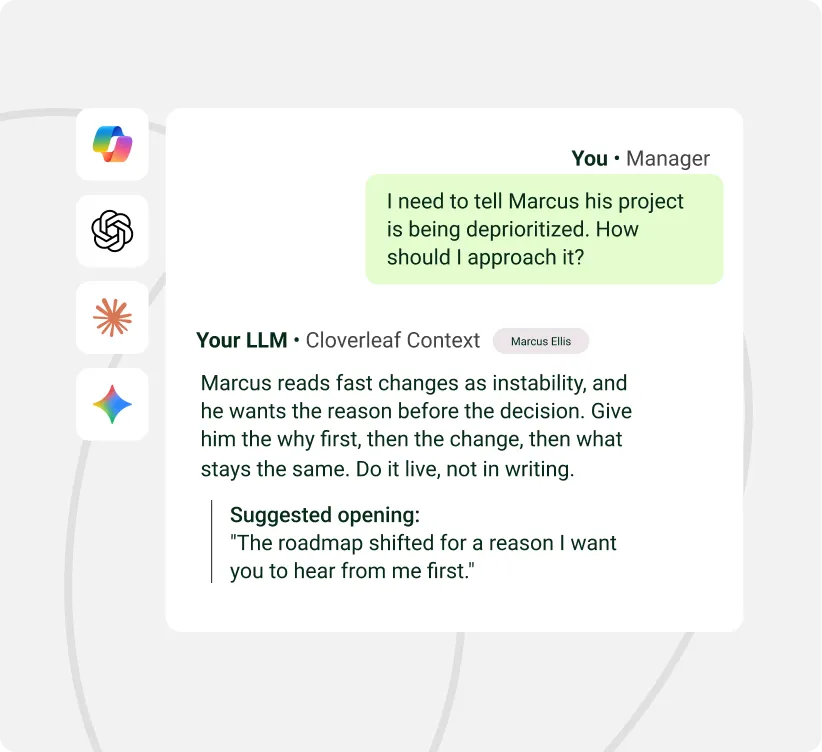
Keep accounts current as people join and leave
Cloverleaf creates accounts when employees join and removes them when they leave, using daily updates from your HRIS. HR manages those changes in the system they already use, and Cloverleaf stays in sync.

COMPATIBILITY
Connect Cloverleaf to the HRIS you already use.
Cloverleaf connects with Workday, SAP SuccessFactors and other supported HR systems through Merge, an integration provider. Your admin configures an existing connection, with no custom integration to build. Explore the Workday page for features and setup details specific to Workday.
REPORTING
Reporting that follows your org chart.
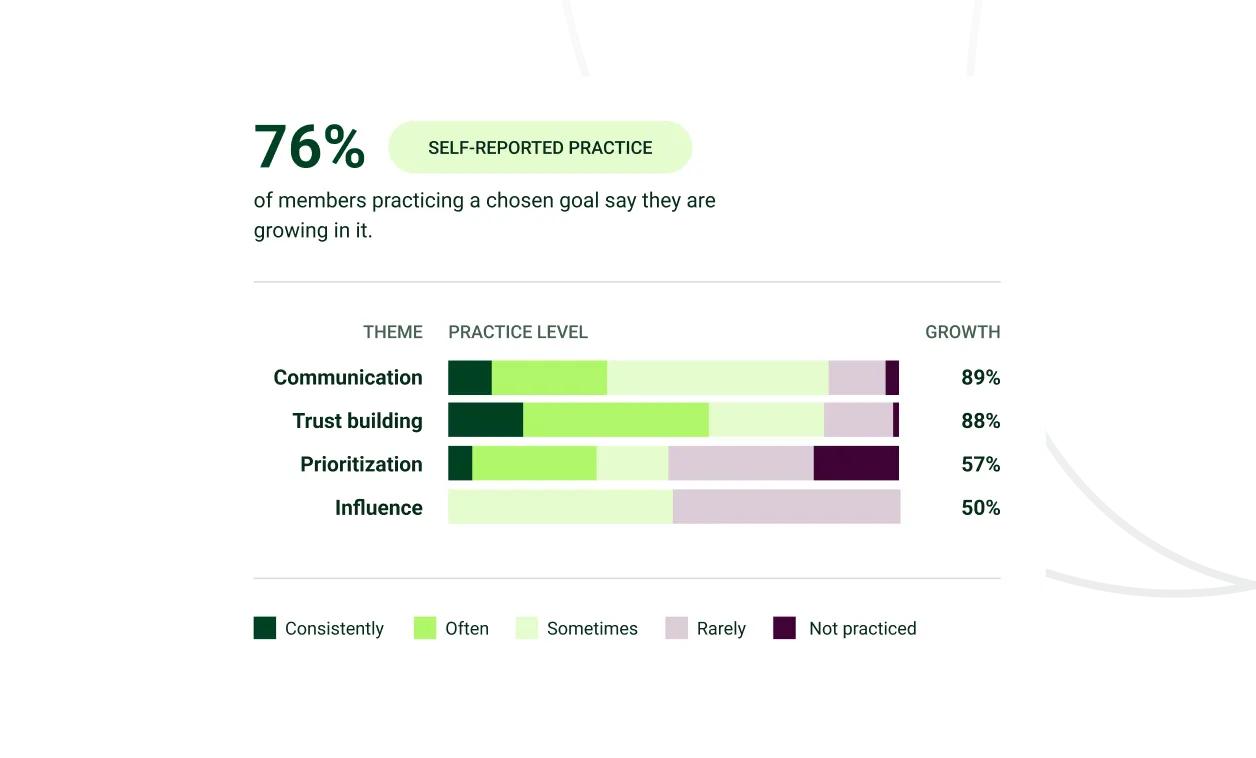
See what each department is working on and where people report growth. Cloverleaf uses the teams, departments and locations synced from your HRIS to organize Reporting. When people move and those changes sync, the reporting groups update too, without HR rebuilding them by hand.

A new hire gets to know their team.

An employee becomes a manager for the first time.

A team adjusts to a new manager.

A manager takes on new direct reports.

Someone settles into a different department.

A reorg changes who works with whom.


There was a lot of us-versus-them mentality across departments. By implementing Cloverleaf people were able to not only understand themselves better, they were able to understand their colleagues better."
- Christy Cole,
COO


Security, privacy, and compliance standards
Built to clear security, privacy, and AI governance.
Why teams love Cloverleaf
Increase in
team performance

Coaching questions
about another person

People change behavior from Cloverleaf coaching
