
Coaching for the whole team inside Slack.
Learn about a teammate, practice feedback, and follow up right in Slack.
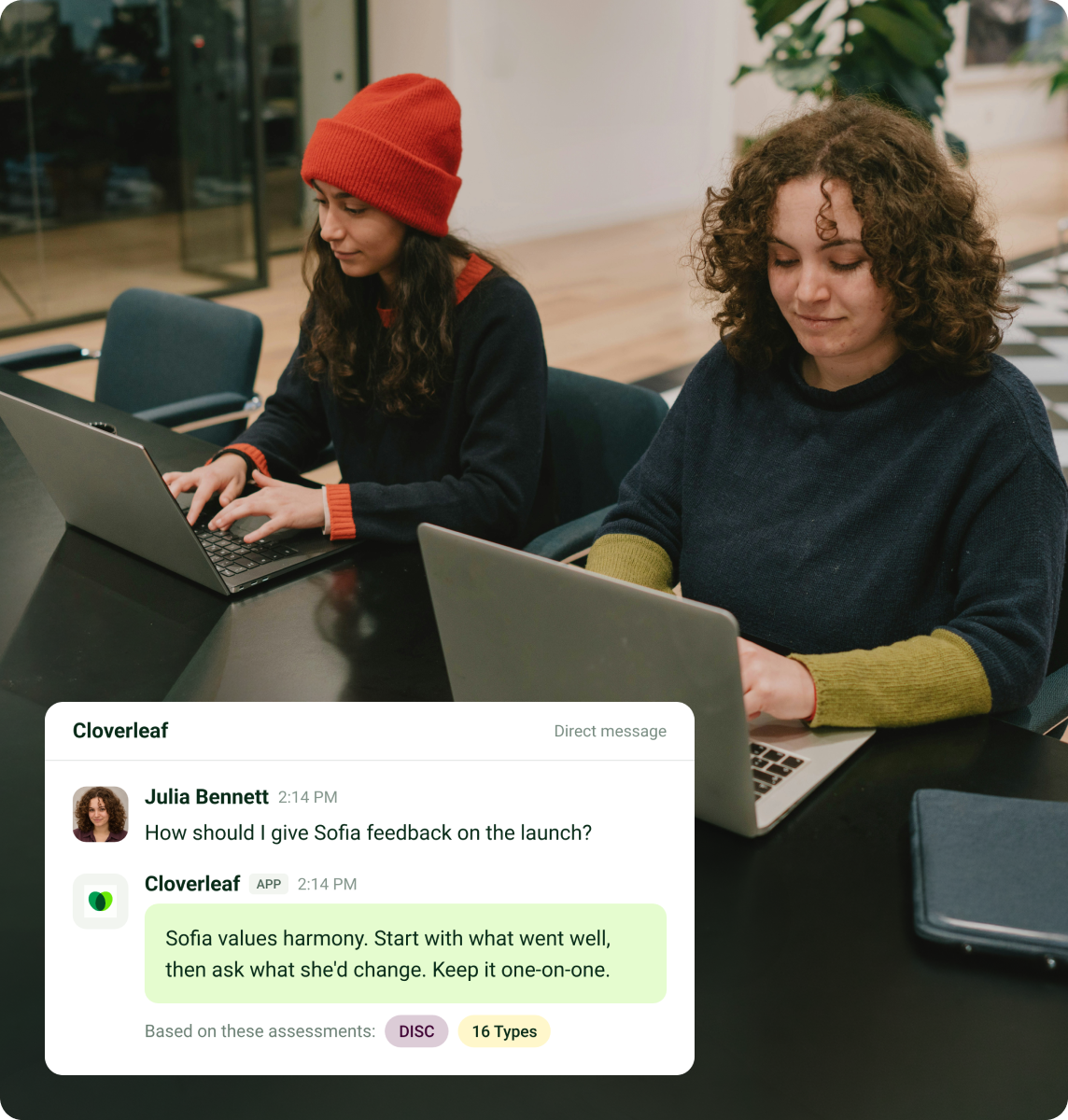
Coaching arrives where your people already work









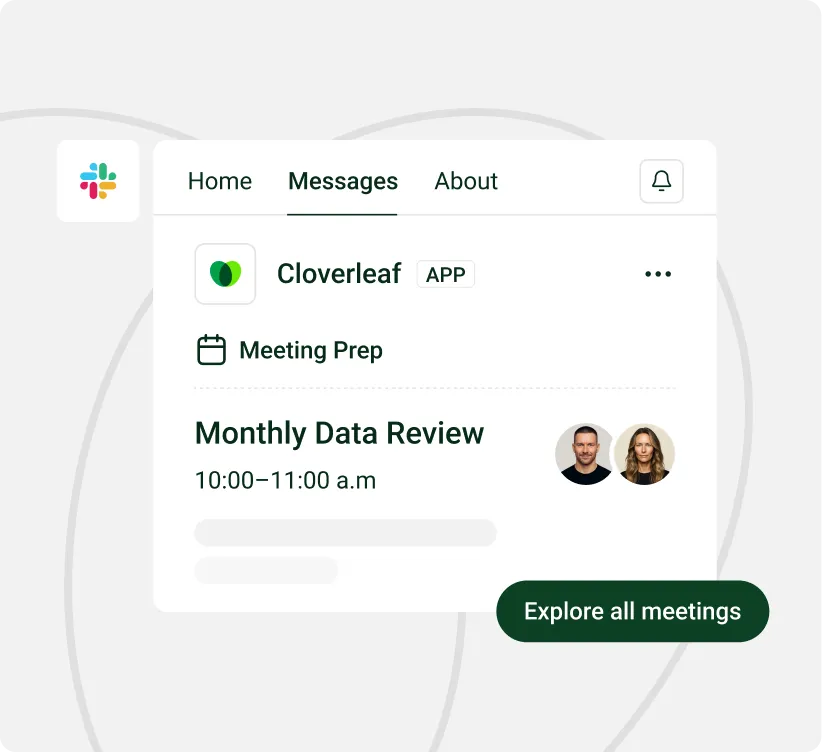
Prepare for the people in your next meeting
Before 1:1's or team meetings, Cloverleaf sends coaching tailored to the people attending. It offers specific guidance on how they communicate, what motivates them and where friction might come up.
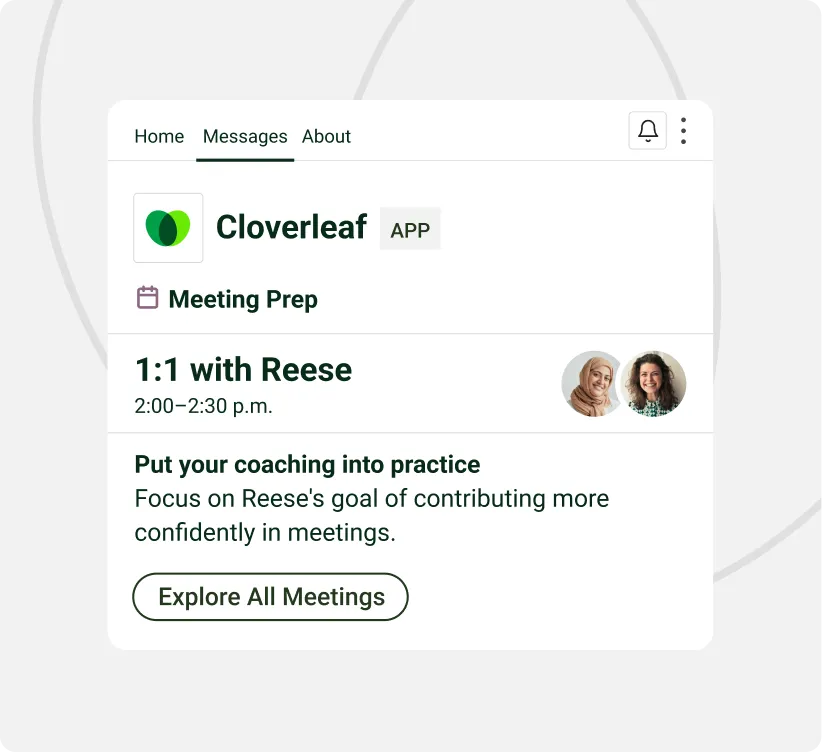
Help both people prepare for the 1:1
Managers and direct reports get guidance about working with each other. Both receive coaching in Slack, so each can prepare with the other person’s working style in mind.
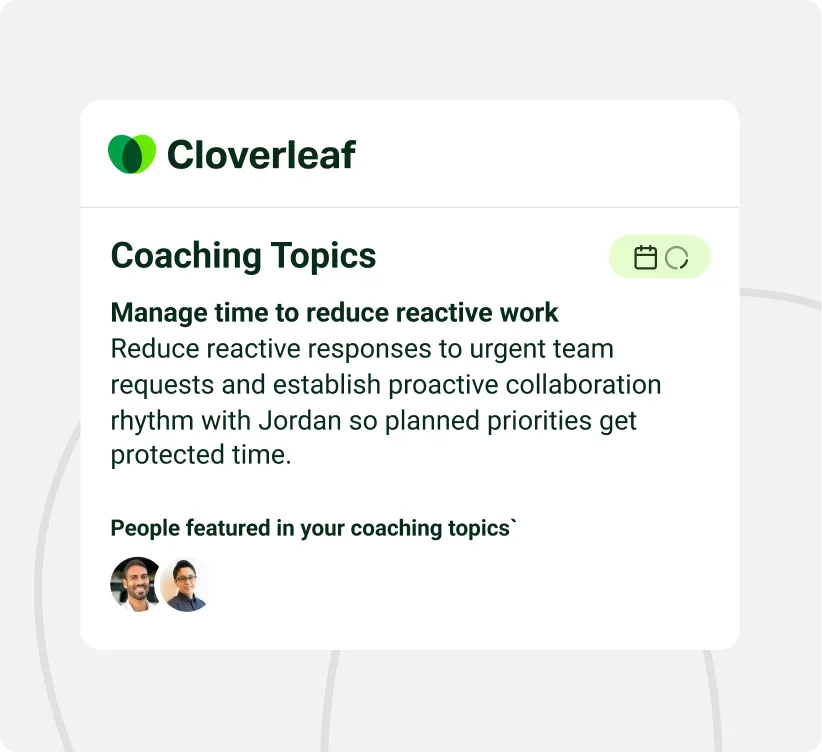
Keep development goals active after the review
Set a Coaching Topic, such as delegating or giving feedback, and get ongoing guidance in Slack. Managers can also assign a topic, which the person can choose to accept or decline.

ON-DEMAND COACHING
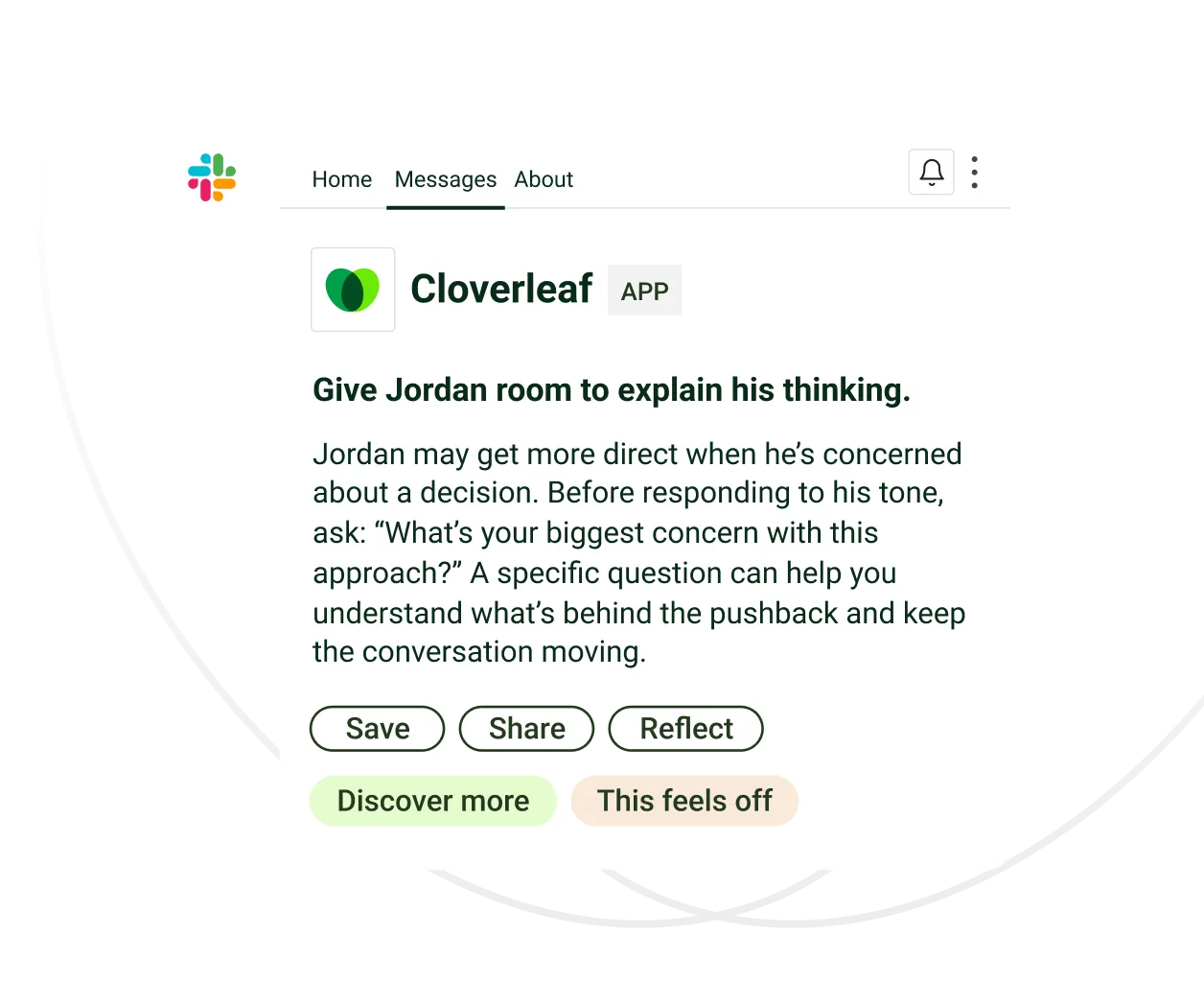
Get help with the conversation happening now.
When a teammate’s response is hard to read or a conversation gets tense, managers can type /cloverleaf followed by that person’s name in Slack. They get guidance on how that teammate works, communicates and responds to conflict, so they can decide what to say next.
FEEDBACK
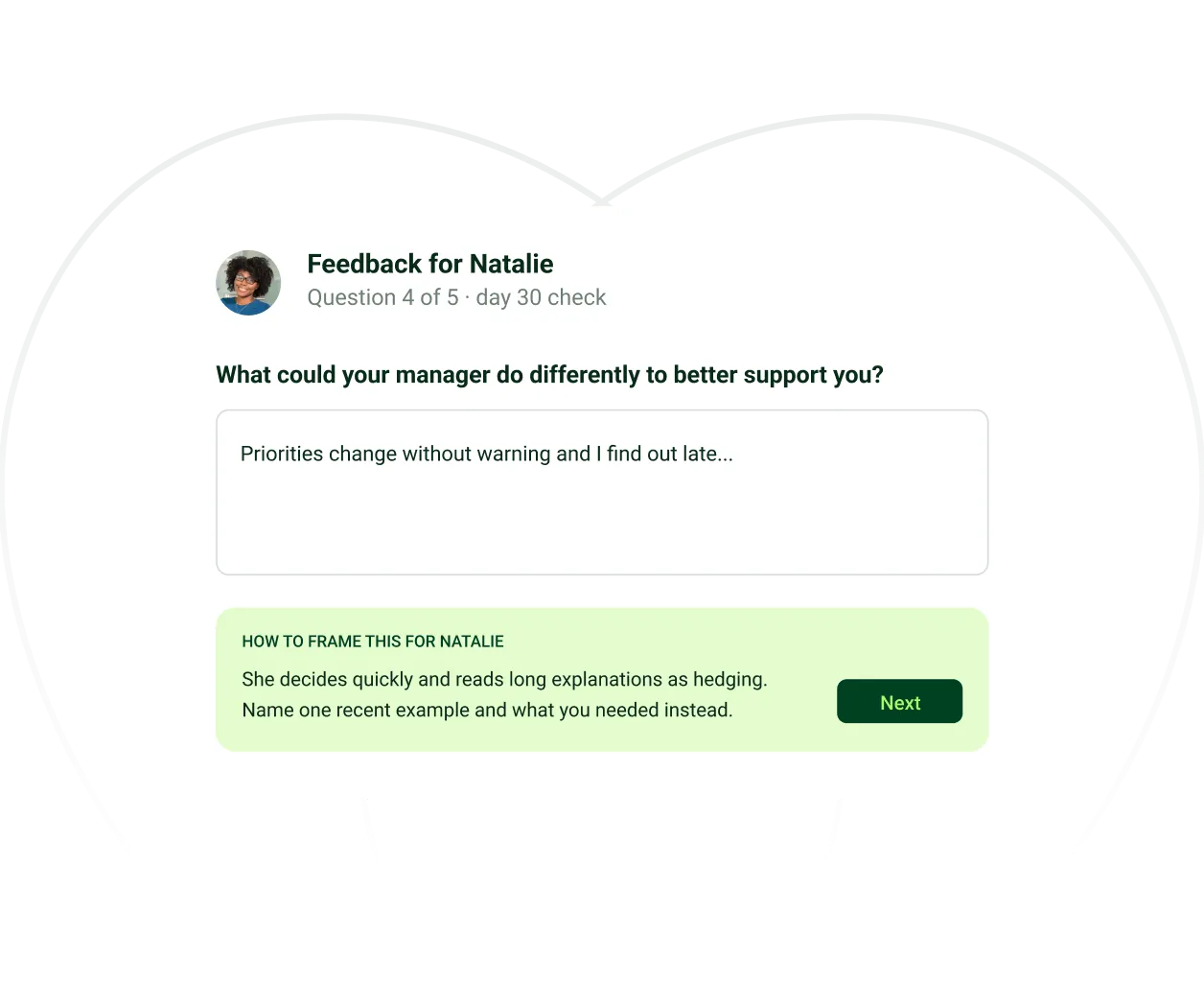
Make feedback easier to ask for and give.
Employees can request feedback and respond to teammates directly in Slack. Cloverleaf suggests how to phrase the response based on how the other person works and communicates, helping employees say what they mean in a way their teammate can understand and use.

Prep for a 1:1 with a specific report.

Ask teammates for feedback without leaving Slack.

Decide how to respond if a thread gets tense.

Get to know a new report’s working style after a reorg.

Find a starting point for a conversation you’ve been putting off.

Review teammates’ working styles before a group discussion.


Cloverleaf is a cheat code. It gives me the ability to truly know my team and meet them where they are."
- Kevin Mills,
VP, Organizational Development & Impact


Security, privacy, and compliance standards
Built to clear security, privacy, and AI governance.
SOC 2 Type II
Examination performed by Sensiba LLP
Independent audit of security, availability, processing integrity, confidentiality, and privacy controls. SOC 2 report available on request.

GDPR Compliant
Full compliance with European data protection regulations. Data processing agreements available for EU operations.
ISO/IEC 27001 Certified
International standard for information security management systems.
Why teams love Cloverleaf
Increase in
team performance

Coaching questions
about another person

People change behavior from Cloverleaf coaching
